Guided from idea to launch.
With Olivia, the Campaign Assistant, guiding you, going from choosing who to reach to a launched campaign takes just a few steps. Here's exactly how it works.
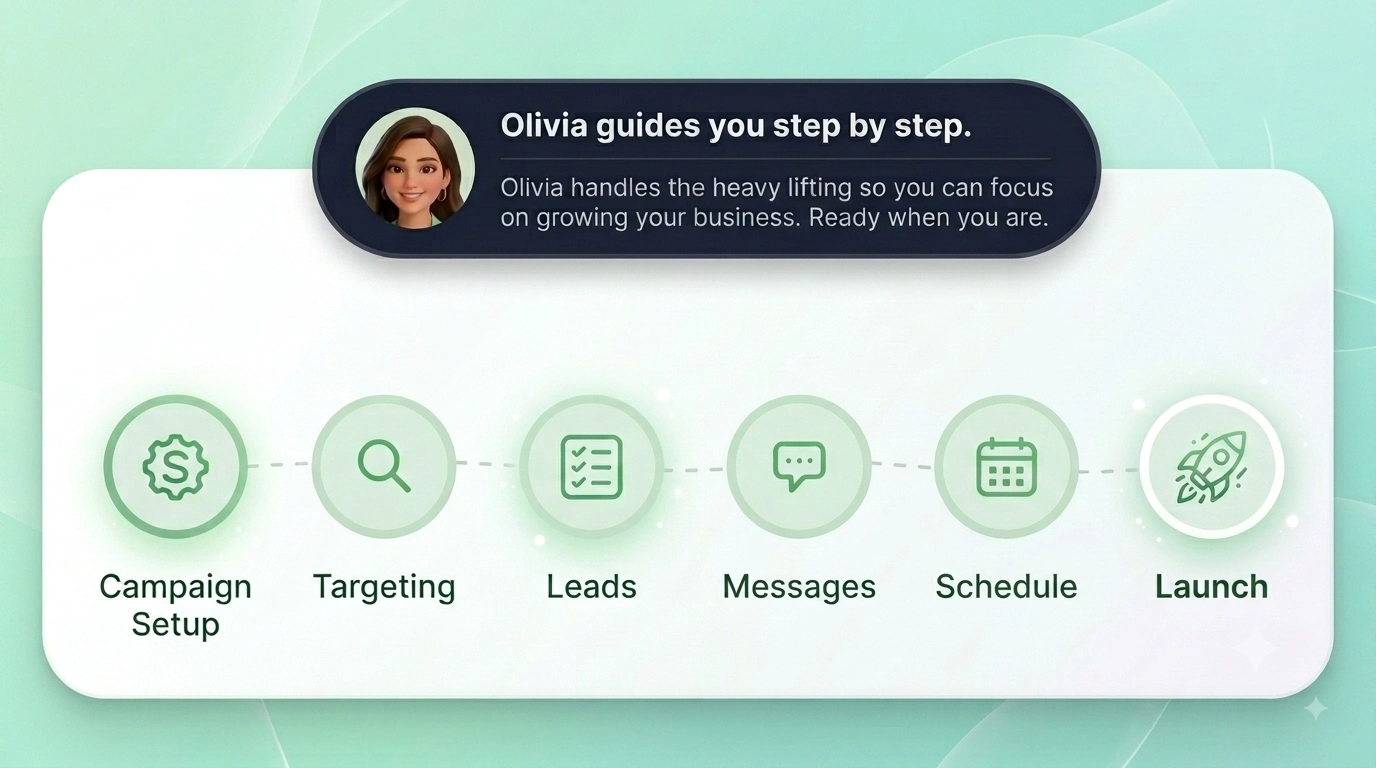
How it works, step by step.
Follow a clear, proven path from deciding who to reach to launching your campaign.
Set up your profile
Set up your profile
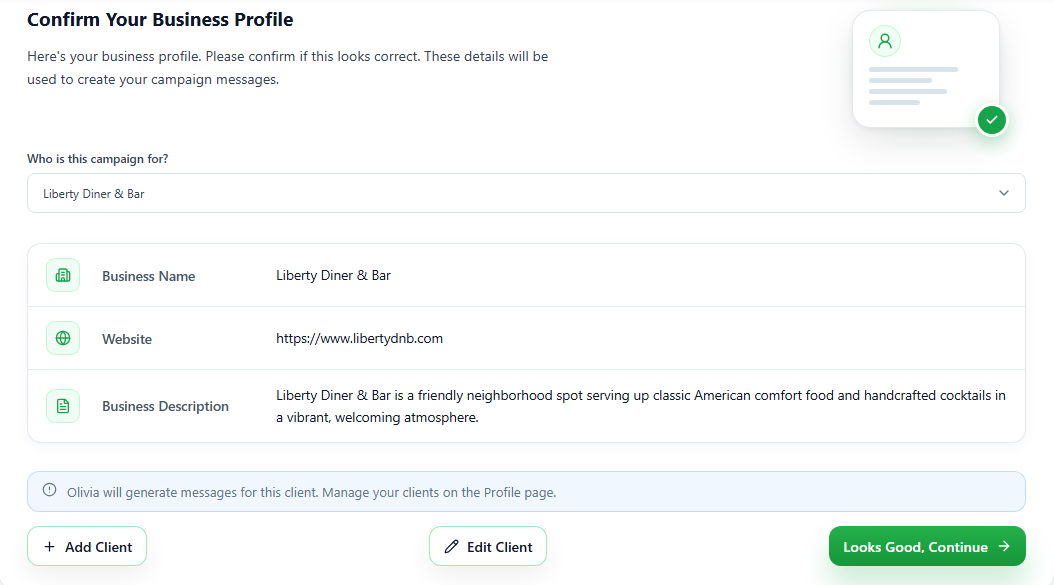
Tell B2BSMSMail about your business once, so Olivia can write messages perfectly matched to your voice and tone.
Define your campaign
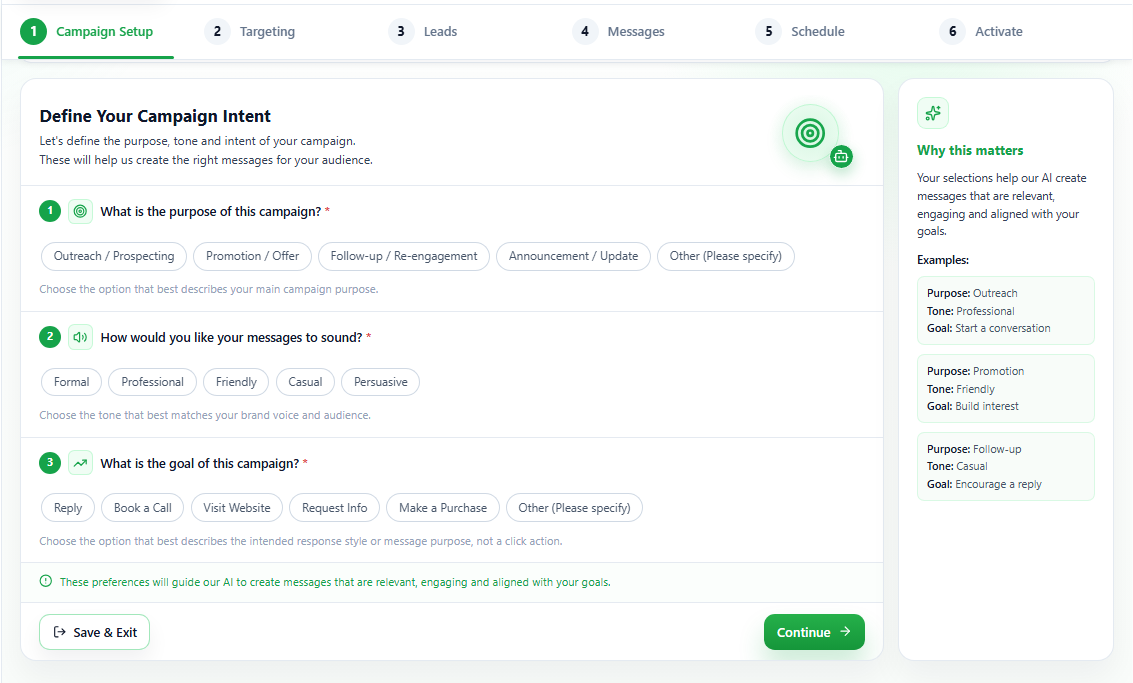
Define your campaign
Choose what this campaign is for, and Olivia shapes the approach, targeting, and messaging around your specific goal.
Choose who to reach
Choose who to reach
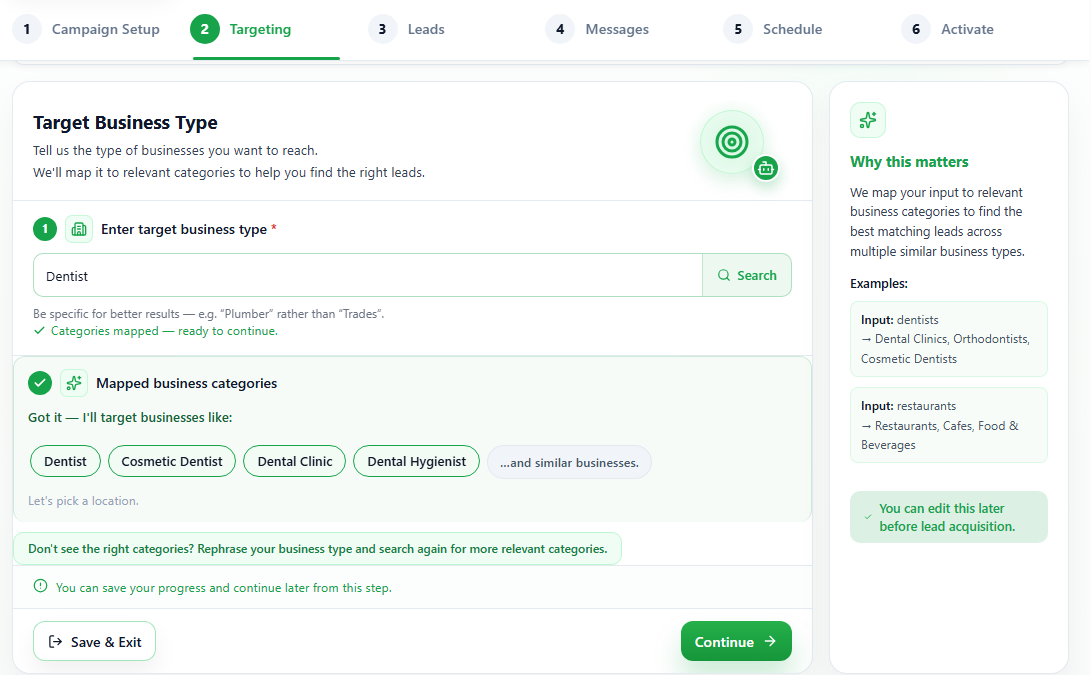
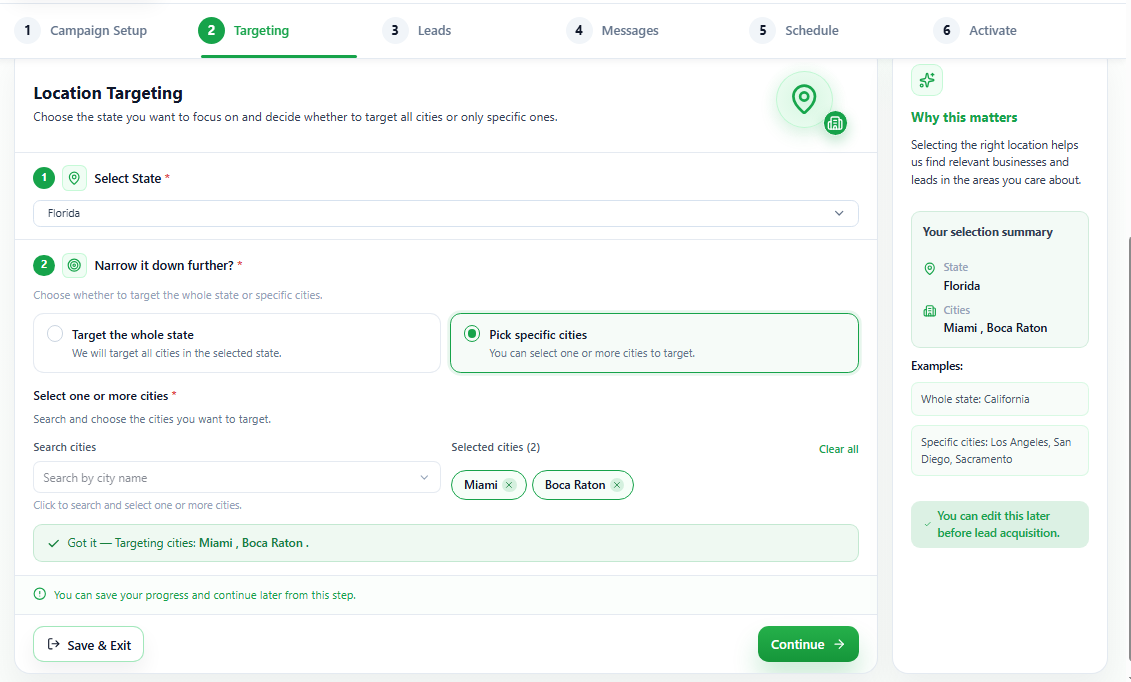
Pick the type of business you want to reach and where they are, by state and city if you want to narrow it. B2BSMSMail finds the businesses for you, with no list to build or buy.
Get your leads
Get your leads
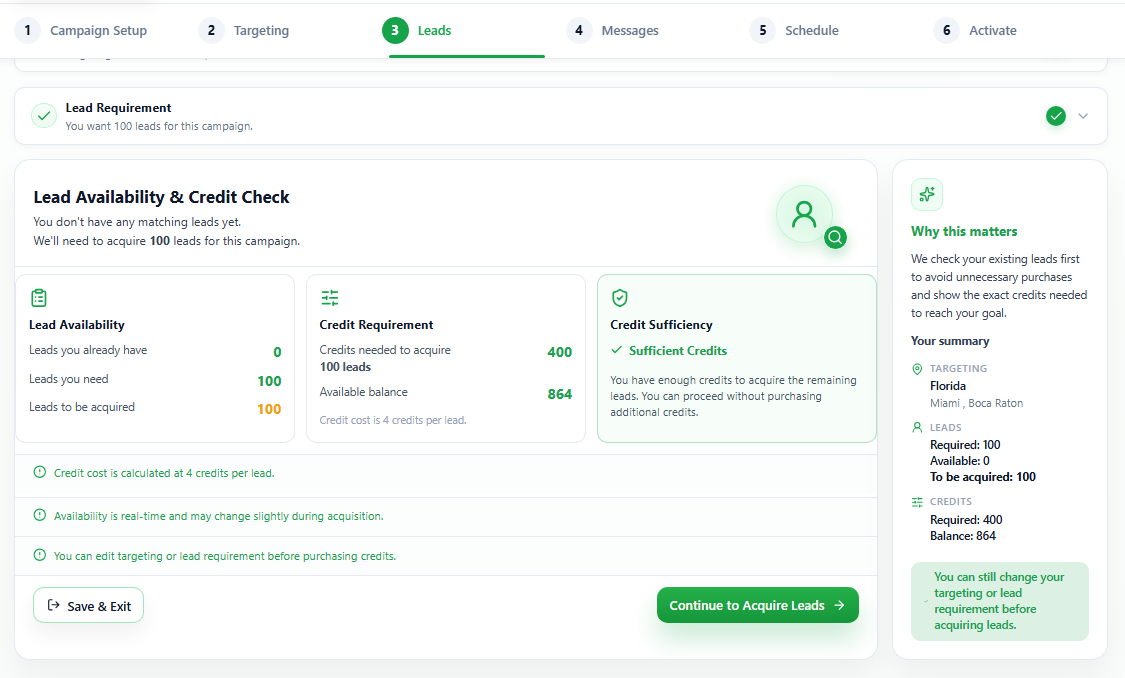
Choose how many businesses to reach. You will see exactly what it costs before anything is spent, then your leads are instantly ready.
Create & schedule messages
Create & schedule messages
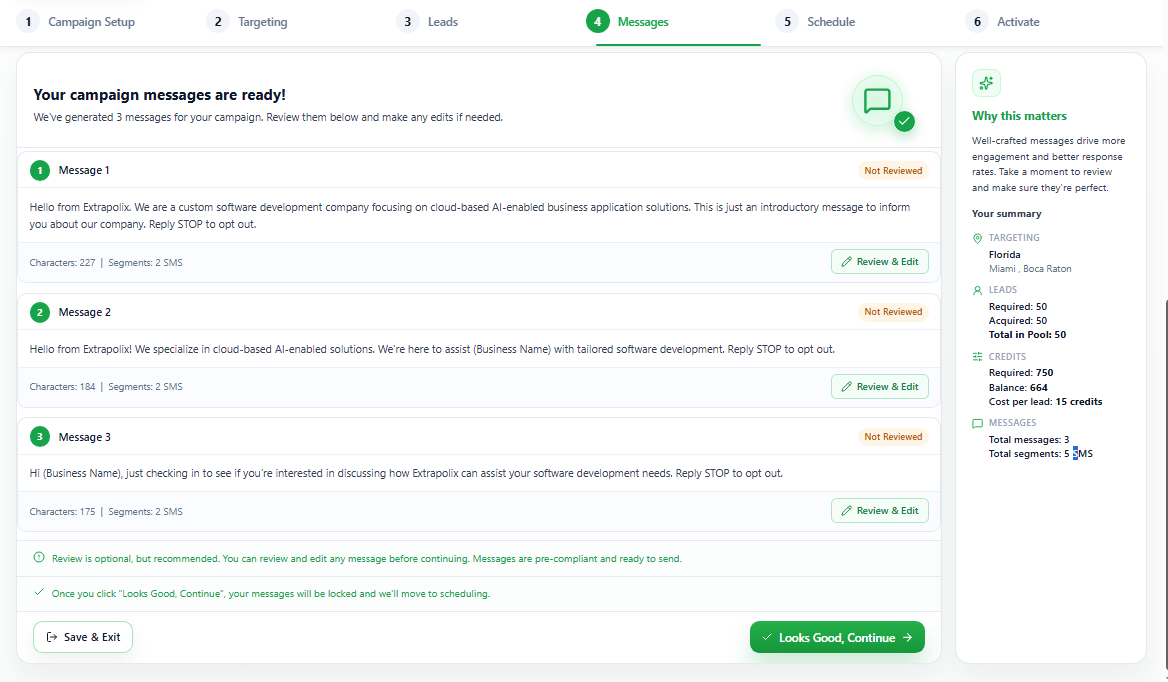
Olivia writes your messages for you based on best practices. Review and edit them if you like, set when they send, and confirm.
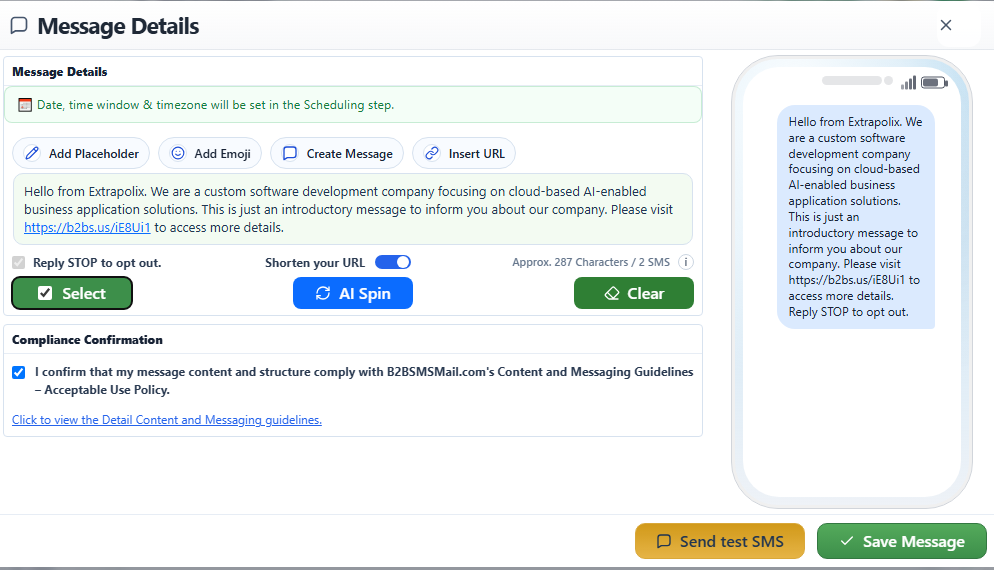
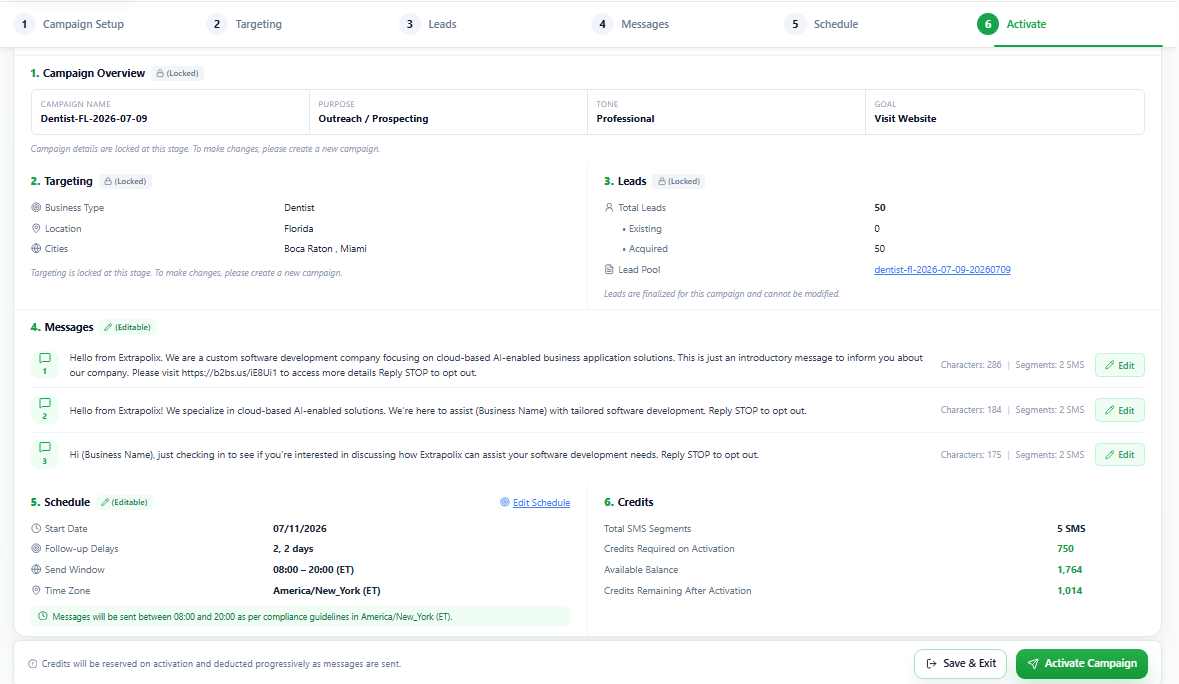
Review and launch
Review and launch
See a final summary of your whole campaign, ensuring everything is compliant and ready. Hit launch, and your outreach is live.
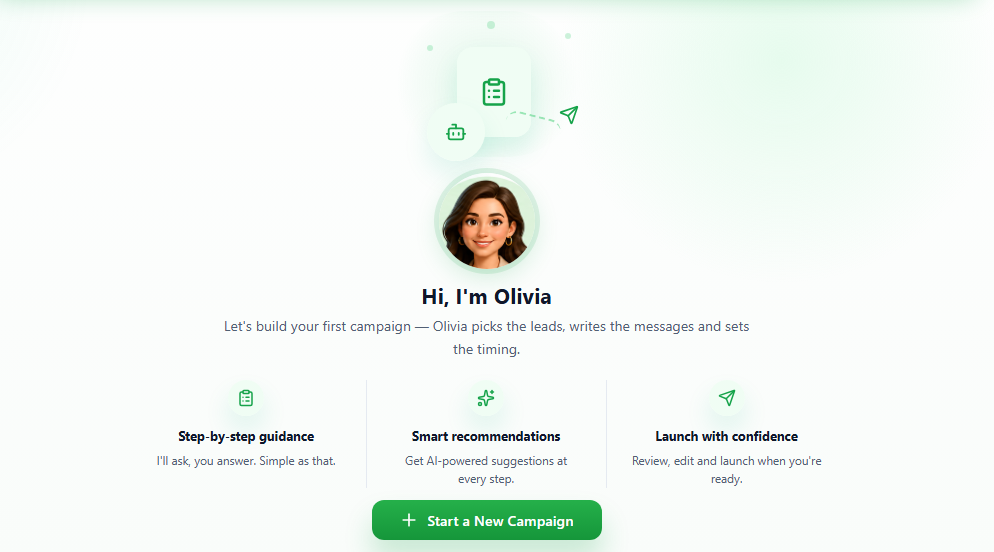
Meet Olivia, your Campaign Assistant.
Olivia is the guide built into B2BSMSMail. She helps you decide who to reach, writes messages that sound like your business, and walks you through each step so nothing is left to guesswork.
You stay in control—review, edit, and approve everything—while Olivia does the heavy lifting. It is what makes getting a campaign live quick, even the first time.
What B2BSMSMail handles for you.
Once your campaign is live, you can see which businesses click your links, so you know who is interested. Every message is automatically screened against messaging compliance standards before it goes out, so you can send with confidence.
Explore Click AnalyticsRun your first campaign for $10.
100 business leads, two messages each. See who's interested today.